
Air import, from flight to delivery order.
One job per MAWB with a HAWB for each consignee. Record the flights and the IGM, tell the consignee the cargo has arrived, issue the delivery order and invoice, all from the same job.
- job per MAWB
- 1
- job per MAWB
- handling documents
- 7
- handling documents
- statistics views
- 13
- statistics views
How it works
5 steps, one system.
Press ? on any step to read the same help your team sees inside LogiSoft.
- 01
Take the customer booking
?LogiSoft help
Air Import - Customer Bookings
The customer's order to bring cargo in by air. The origin agent books the airline, so there is no carrier booking for Air Import.
- Customer, Agent (origin), Origin airport (POL) and Destination airport (POD) are required.
- Shipper / consignee / clearing agent / salesperson, commodity, packages and weights as known at booking time.
Common tasks
- Add booking Add flight leg Pick booking on the HAWB
The same help appears on this screen inside LogiSoft.
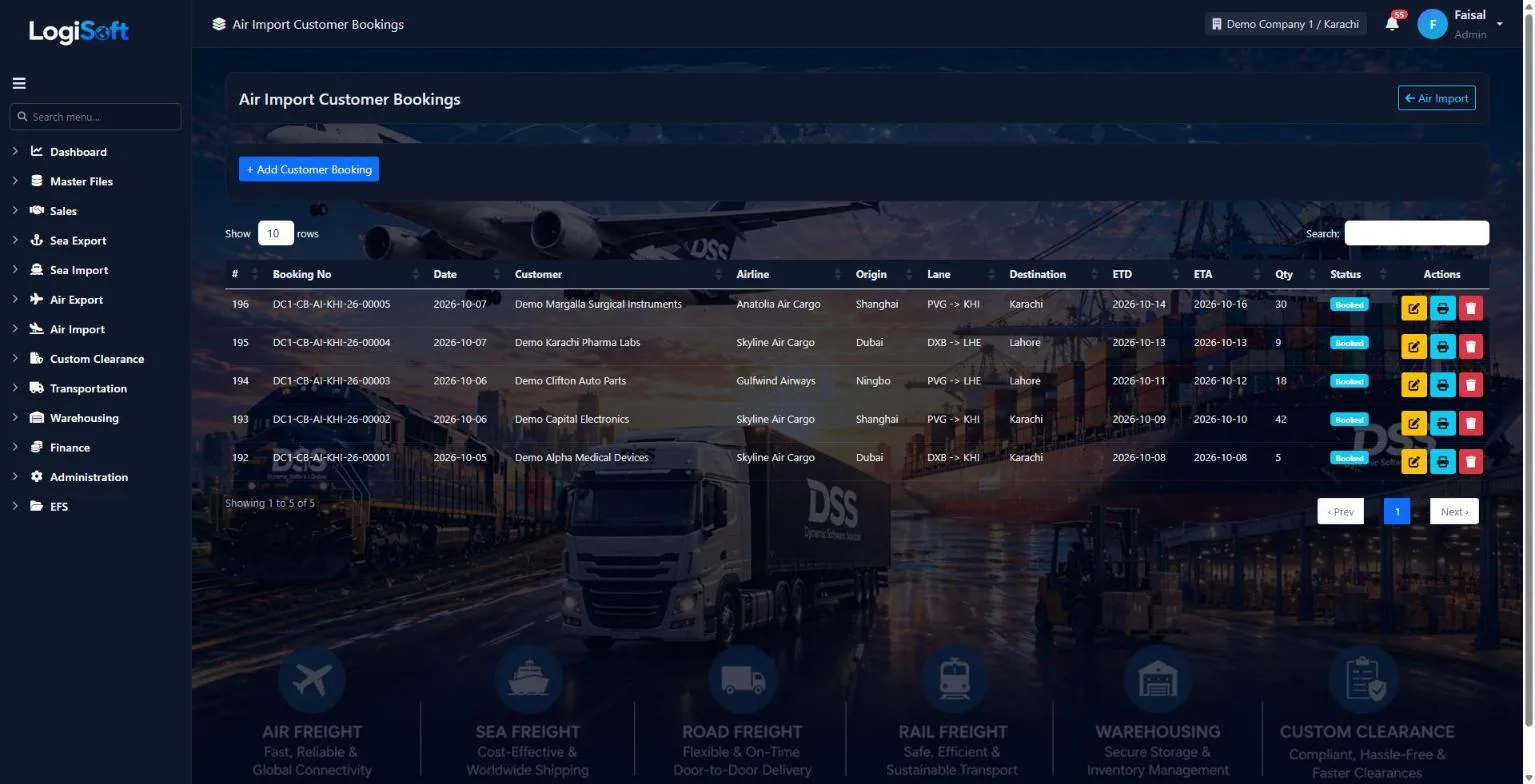
Your customer asks you to bring cargo in. The origin agent books the airline, so the booking holds the agent, airports, cargo and flight legs.
- Customer, origin agent, origin and destination airports
- Shipper, consignee and salesperson
- One row per flight leg
- 02
Open the job for the MAWB
?LogiSoft help
Air Import - Shipments (MAWB / HAWB)
One job file = one MAWB and its HAWBs. Type the job (airline, MAWB, agent, origin / destination, flight, IGM) once, then add the HAWBs.
- Job no. comes from Document Sequences (AIR-IM-JOB). MAWB = airline prefix (3 digits) + number (8 digits).
- Pkgs / weight / chargeable weight of the job = the total of its HAWBs when left empty.
- Close job / Void at the top. A closed or void job cannot be changed.
Common tasks
- New job Add HAWB Print D/O Invoice on HAWB Invoice on MAWB Close job
The same help appears on this screen inside LogiSoft.
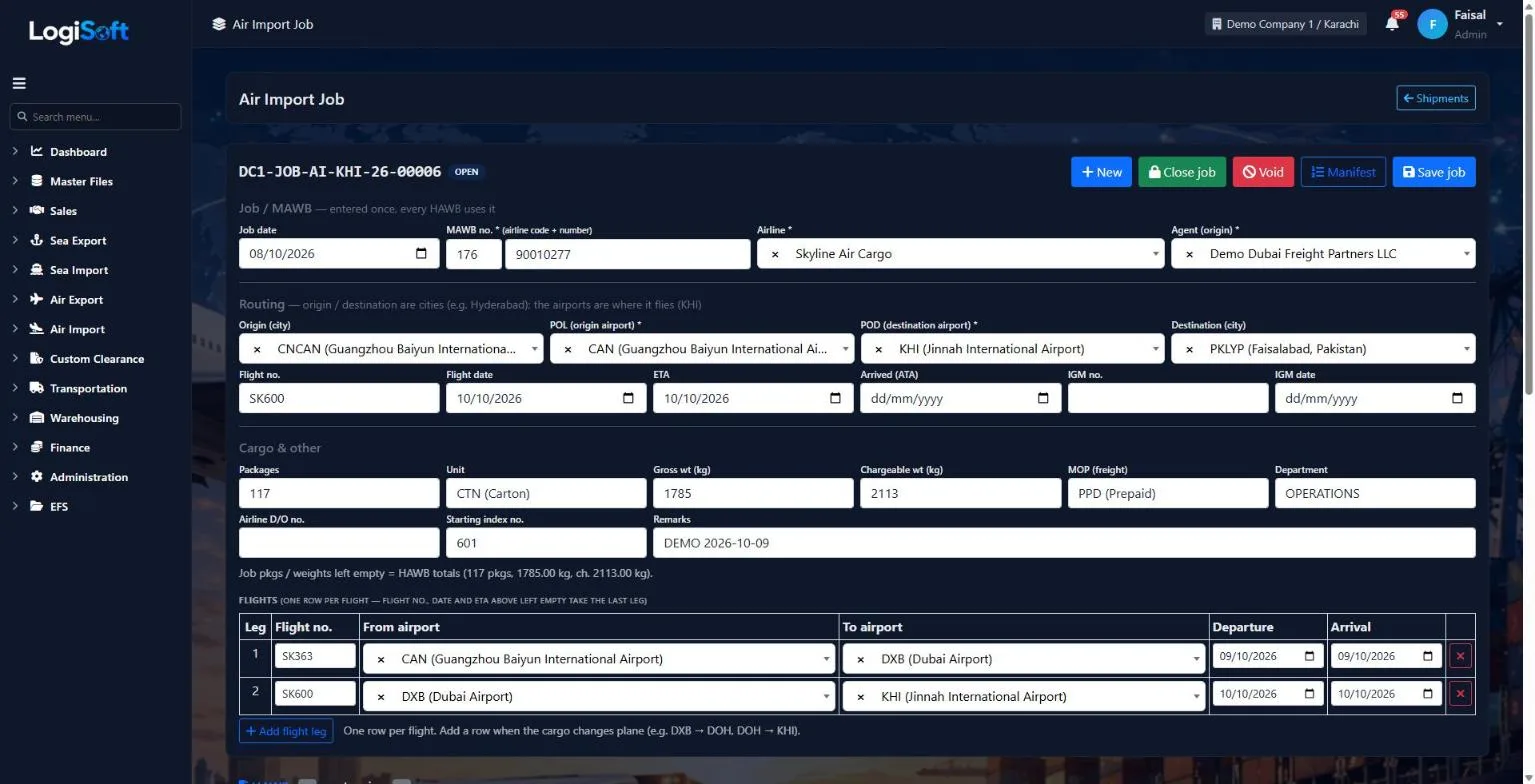
Type the MAWB, airline, agent, routing, flights and IGM once. The job totals come from its HAWBs.
- MAWB = airline prefix + number
- Flight legs, ETA, arrival and IGM
- Packages, gross and chargeable weight
- 03
A HAWB for each consignee
?LogiSoft help
Air Import - Shipments (MAWB / HAWB)
One job file = one MAWB and its HAWBs. Type the job (airline, MAWB, agent, origin / destination, flight, IGM) once, then add the HAWBs.
- Job no. comes from Document Sequences (AIR-IM-JOB). MAWB = airline prefix (3 digits) + number (8 digits).
- Pkgs / weight / chargeable weight of the job = the total of its HAWBs when left empty.
- Close job / Void at the top. A closed or void job cannot be changed.
Common tasks
- New job Add HAWB Print D/O Invoice on HAWB Invoice on MAWB Close job
The same help appears on this screen inside LogiSoft.
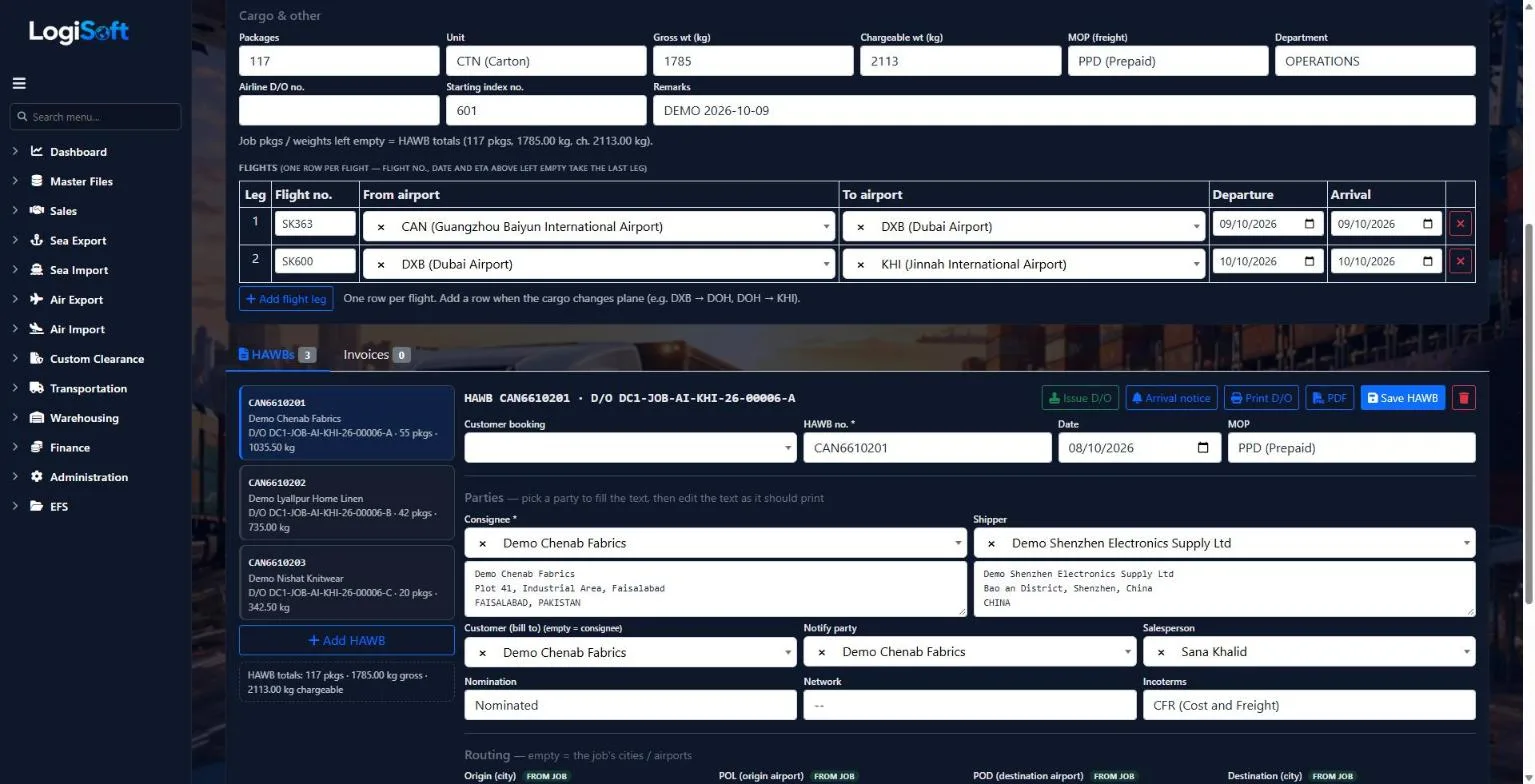
Each HAWB gets its own delivery order number. Print the arrival notice and the D/O, and record bank endorsement when it is needed.
- D/O number made from the job number
- Issue D/O records who issued it and when
- Arrival notice, D/O print and PDF
- Salesperson with nominated or free-hand
- 04
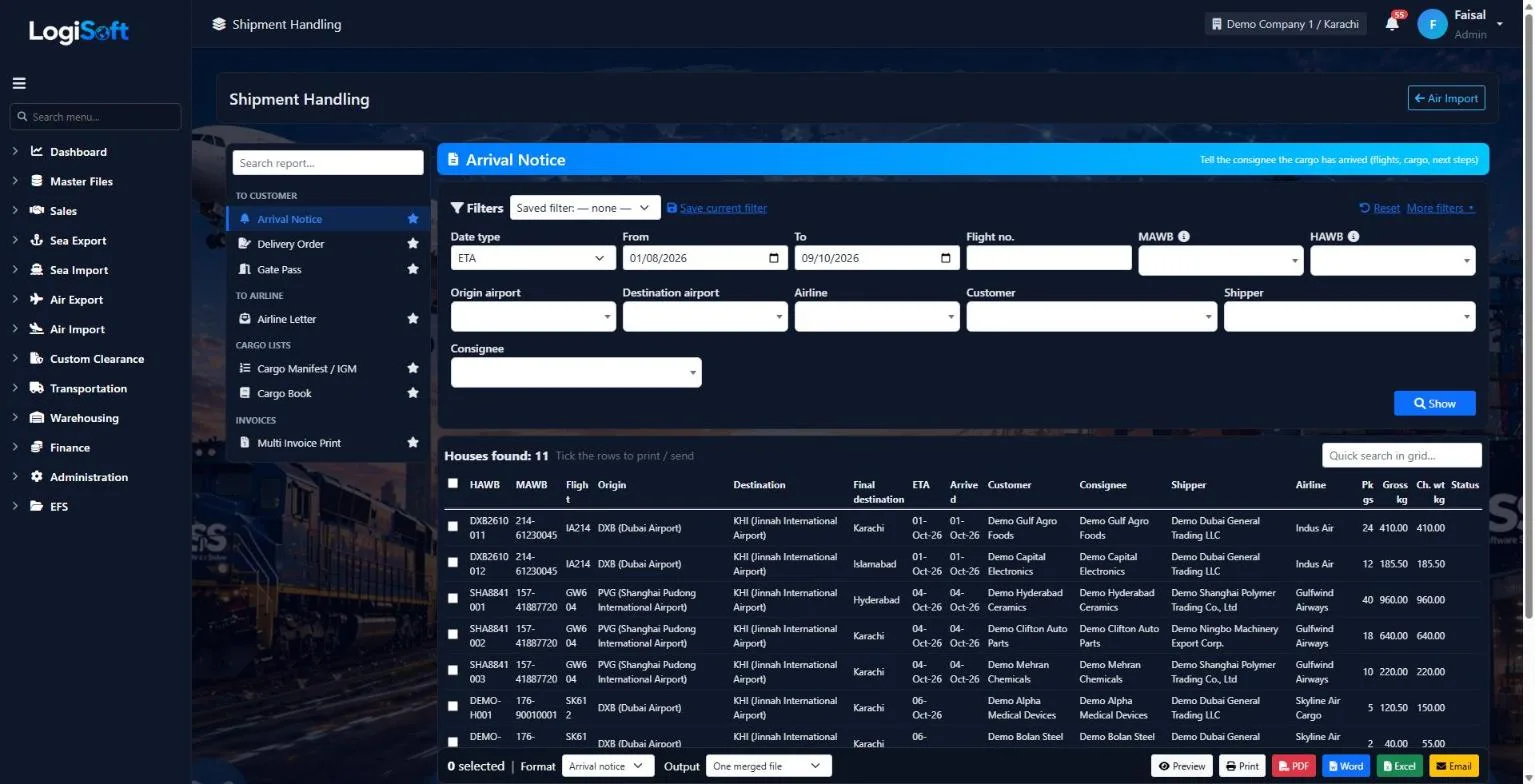
Arrival notices and documents in bulk
Tick the houses and print or e-mail the arrival notice, delivery order, gate pass, airline letter or cargo manifest in one go.
- Arrival notice, delivery order and gate pass
- Airline letter, cargo manifest / IGM and cargo book
- One merged file or one file per house
- 05
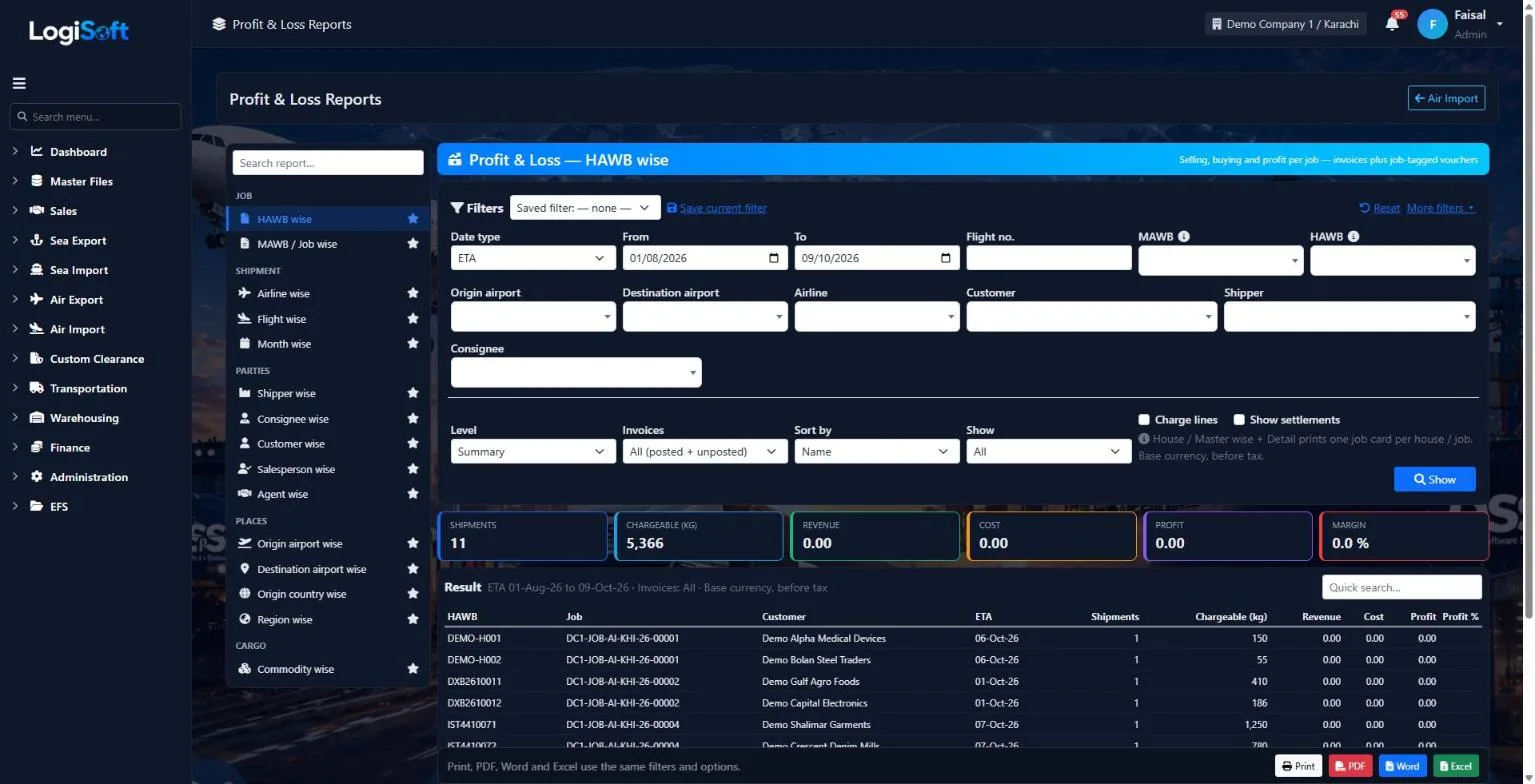
Invoice and see the profit
Customer invoices on the HAWB, airline and agent costs on the MAWB, then tonnage, statistics and profit per job.
- House and master invoices
- Booking, tonnage and statistics reports
- Profit & loss per HAWB, job, airline or customer
Every screen
15 screens in Air Import.
The complete list of screens in this module, described in LogiSoft's own help. Press ? for the full explanation.
Dashboard
-
Air Import Dashboard
?LogiSoft help
Air Import
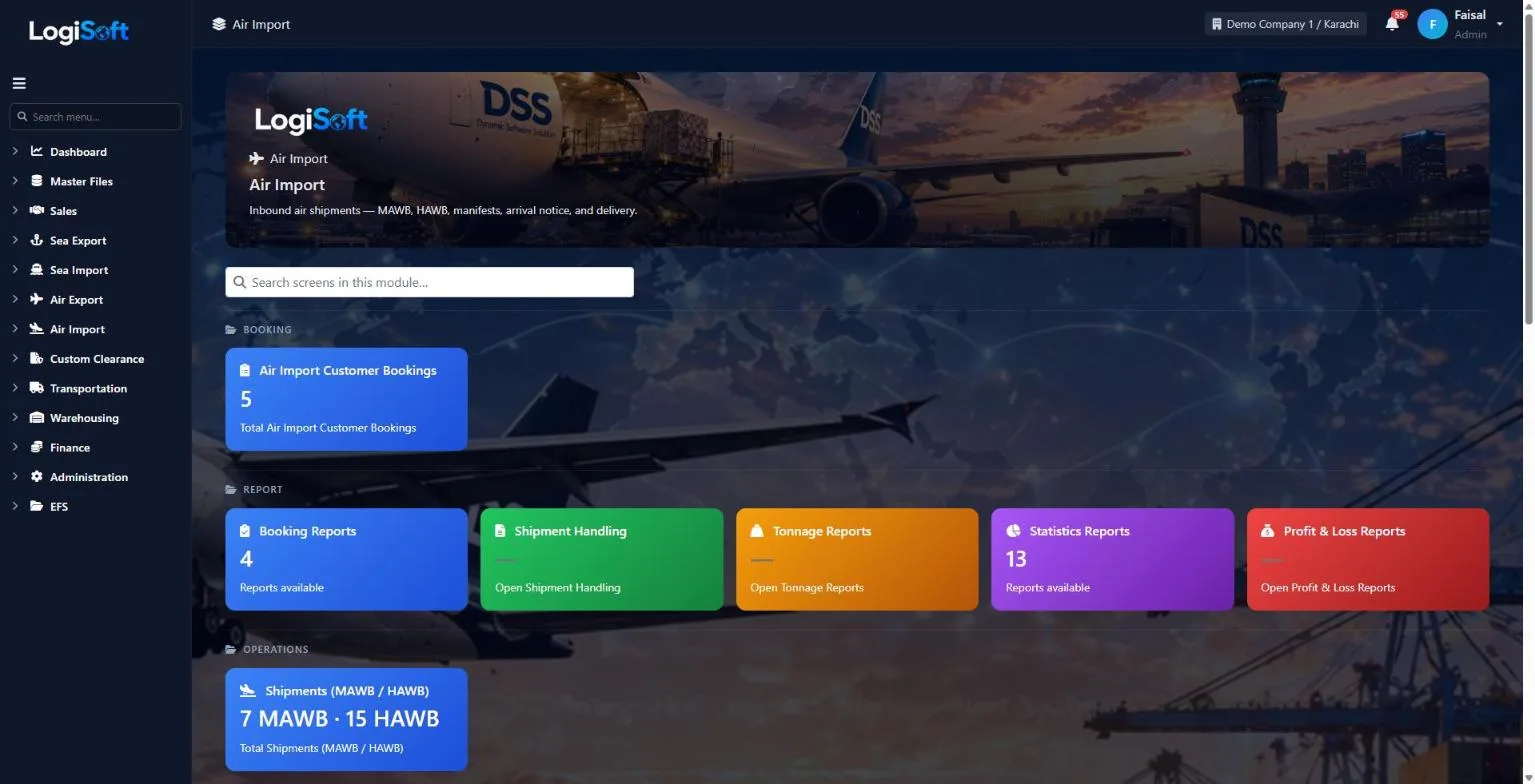
Handle inbound air cargo: bookings, MAWB, HAWB, tracking.
The Air Import module covers the full inbound air-cargo lifecycle.
- Customer Booking — your customer reserves space on an inbound flight.
- Carrier Booking — your booking against the airline.
- MAWB / HAWB — Master and House Air Waybills.
- Tracking — flight milestones (ETA, ATA, customs cleared, delivered).
Common tasks
- Open a Customer Booking when the consignee confirms a shipment
- Match to a Carrier (airline) booking
- Record MAWB and HAWB numbers
- Mark milestones as the shipment moves
The same help appears on this screen inside LogiSoft.
Handle inbound air cargo: bookings, MAWB, HAWB, tracking.
Booking
-
Air Import Customer Bookings
?LogiSoft help
Air Import - Customer Bookings
The customer's order to bring cargo in by air. The origin agent books the airline, so there is no carrier booking for Air Import.
- Customer, Agent (origin), Origin airport (POL) and Destination airport (POD) are required.
- Shipper / consignee / clearing agent / salesperson, commodity, packages and weights as known at booking time.
Common tasks
- Add booking Add flight leg Pick booking on the HAWB
The same help appears on this screen inside LogiSoft.
The customer's order to bring cargo in by air. The origin agent books the airline, so there is no carrier booking for Air Import.
Report
-
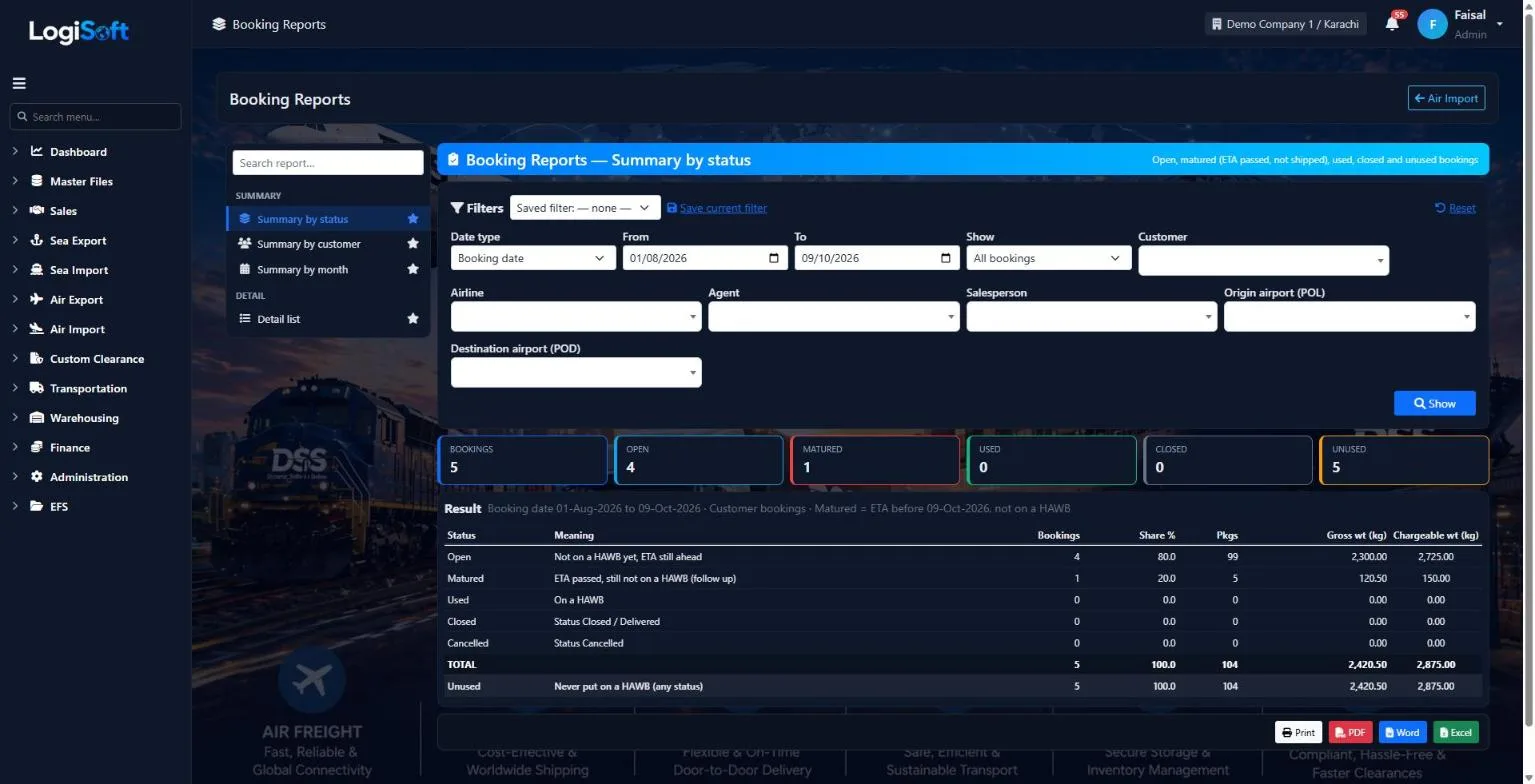
Booking Reports
Part of the Air Import module.
4 reports inside
- Summary by status
- Summary by customer
- Summary by month
- Detail list
-
Shipment Handling
Part of the Air Import module.
-
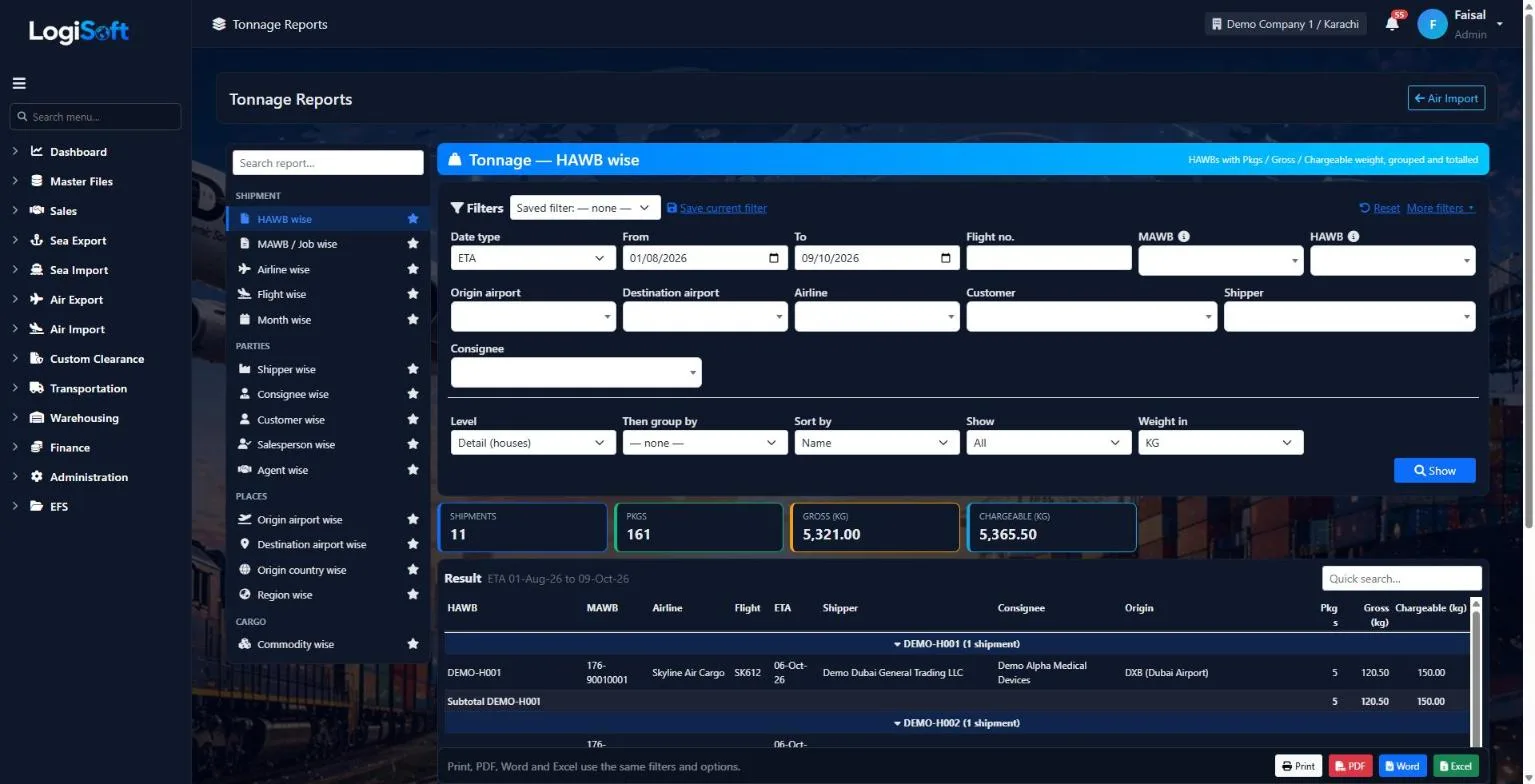
Tonnage Reports
Part of the Air Import module.
-
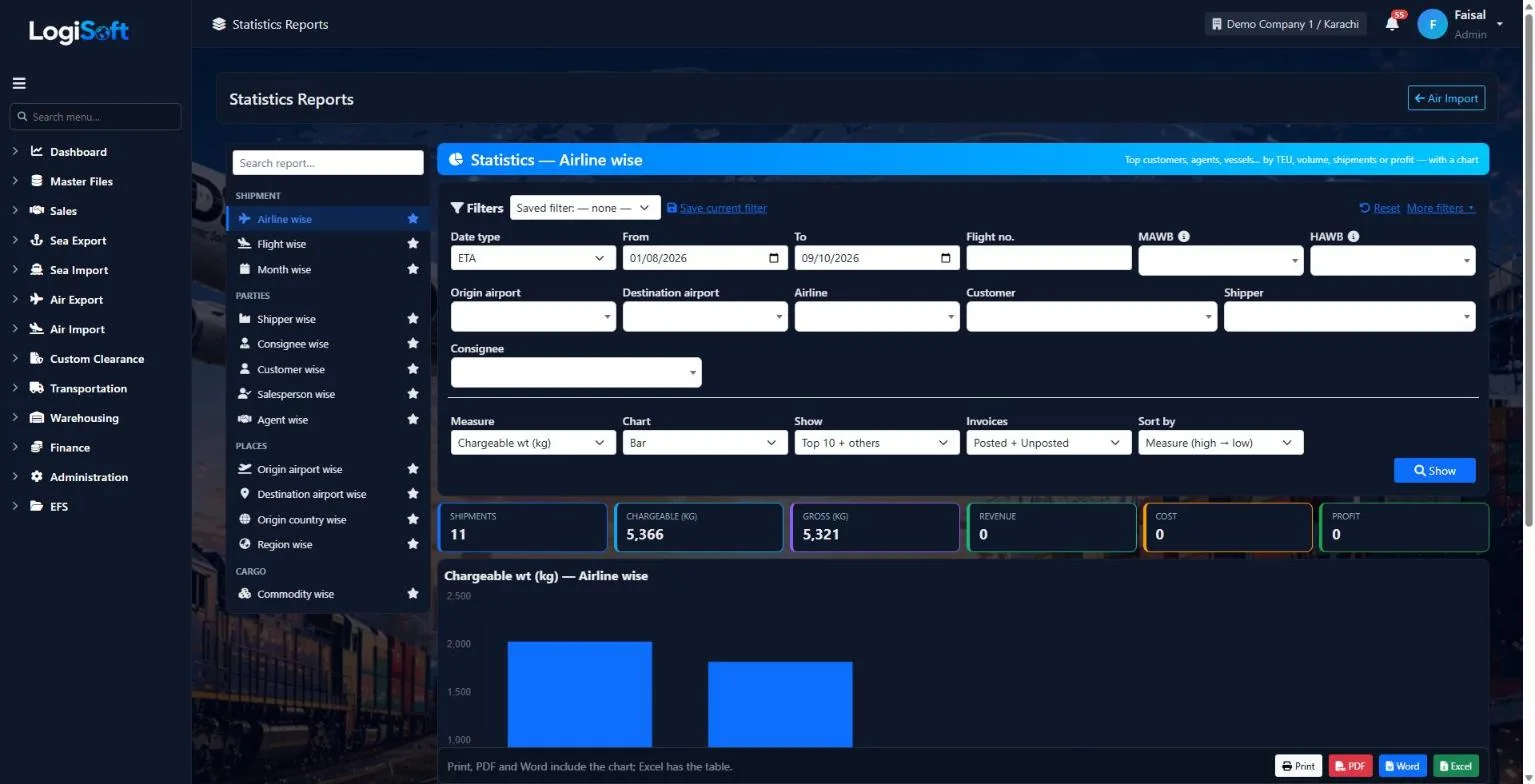
Statistics Reports
Part of the Air Import module.
13 reports inside
- Airline wise
- Flight wise
- Month wise
- Shipper wise
- Consignee wise
- Customer wise
- Salesperson wise
- Agent wise
- Origin airport wise
- Destination airport wise
- Origin country wise
- Region wise
- Commodity wise
-
Profit & Loss Reports
Part of the Air Import module.
Operations
-
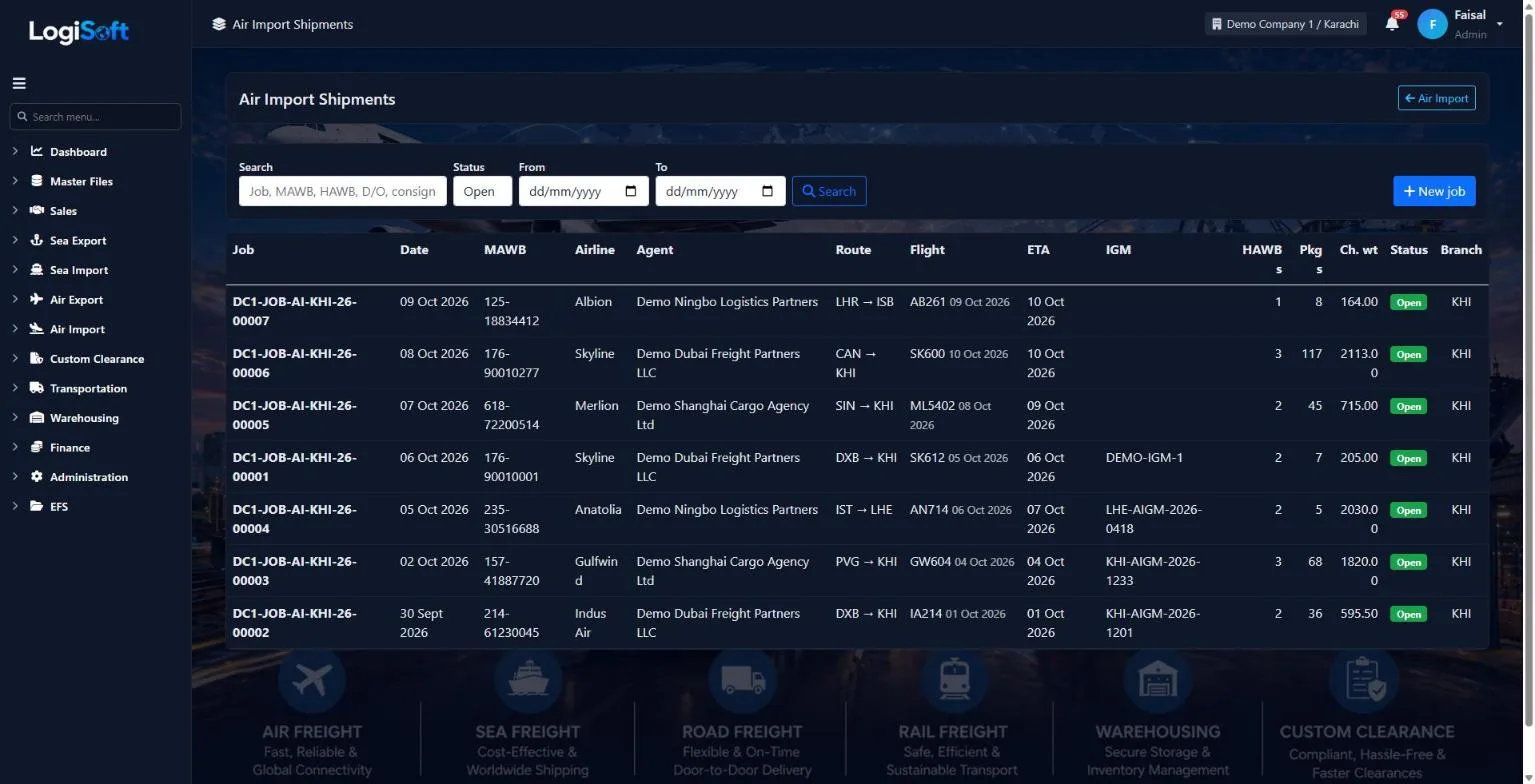
Shipments (MAWB / HAWB)
?LogiSoft help
Air Import - Shipments (MAWB / HAWB)
One job file = one MAWB and its HAWBs. Type the job (airline, MAWB, agent, origin / destination, flight, IGM) once, then add the HAWBs.
- Job no. comes from Document Sequences (AIR-IM-JOB). MAWB = airline prefix (3 digits) + number (8 digits).
- Pkgs / weight / chargeable weight of the job = the total of its HAWBs when left empty.
- Close job / Void at the top. A closed or void job cannot be changed.
Common tasks
- New job Add HAWB Print D/O Invoice on HAWB Invoice on MAWB Close job
The same help appears on this screen inside LogiSoft.
One job file = one MAWB and its HAWBs. Type the job (airline, MAWB, agent, origin / destination, flight, IGM) once, then add the HAWBs.
SI
-
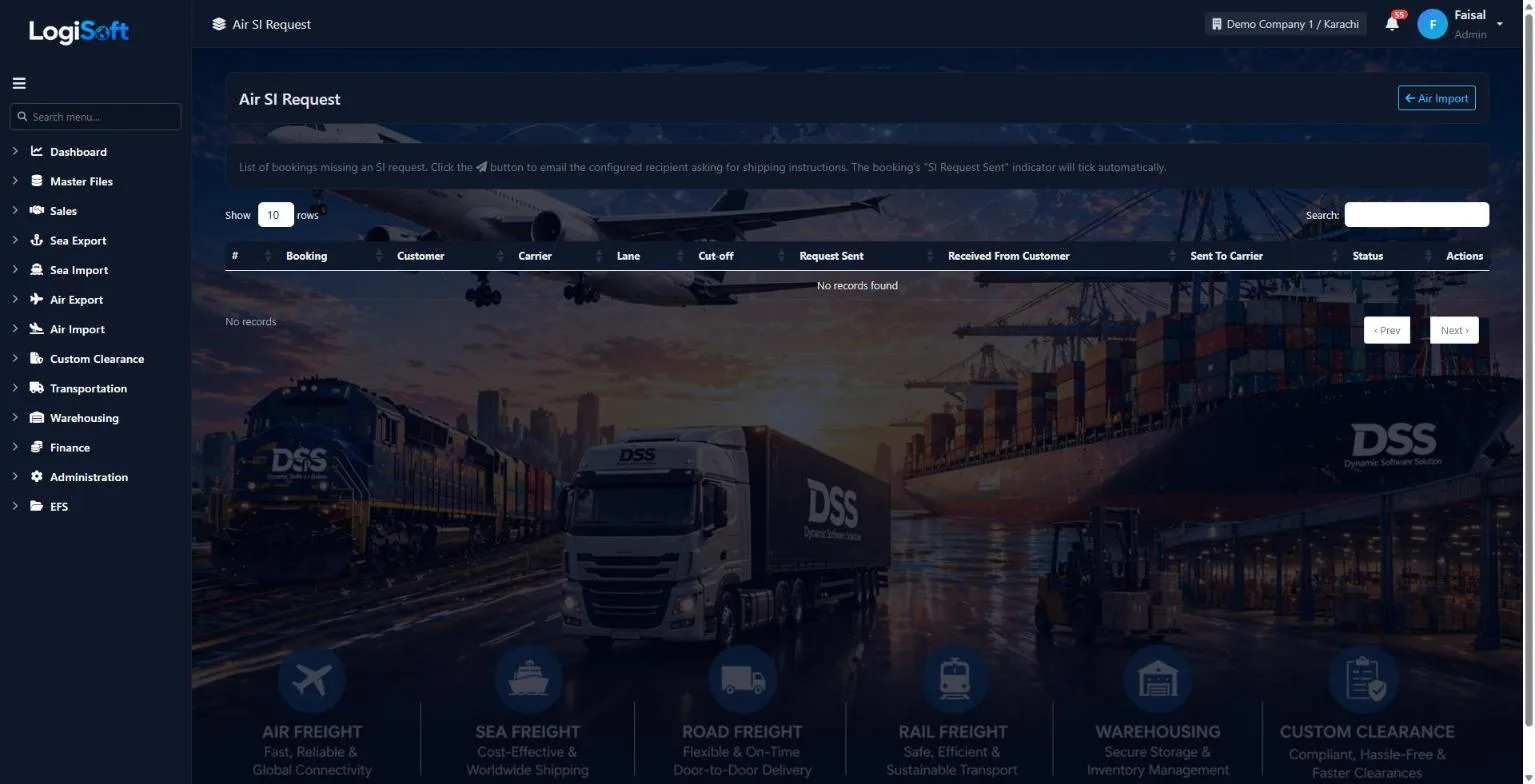
Air SI Request
Part of the Air Import module.
-
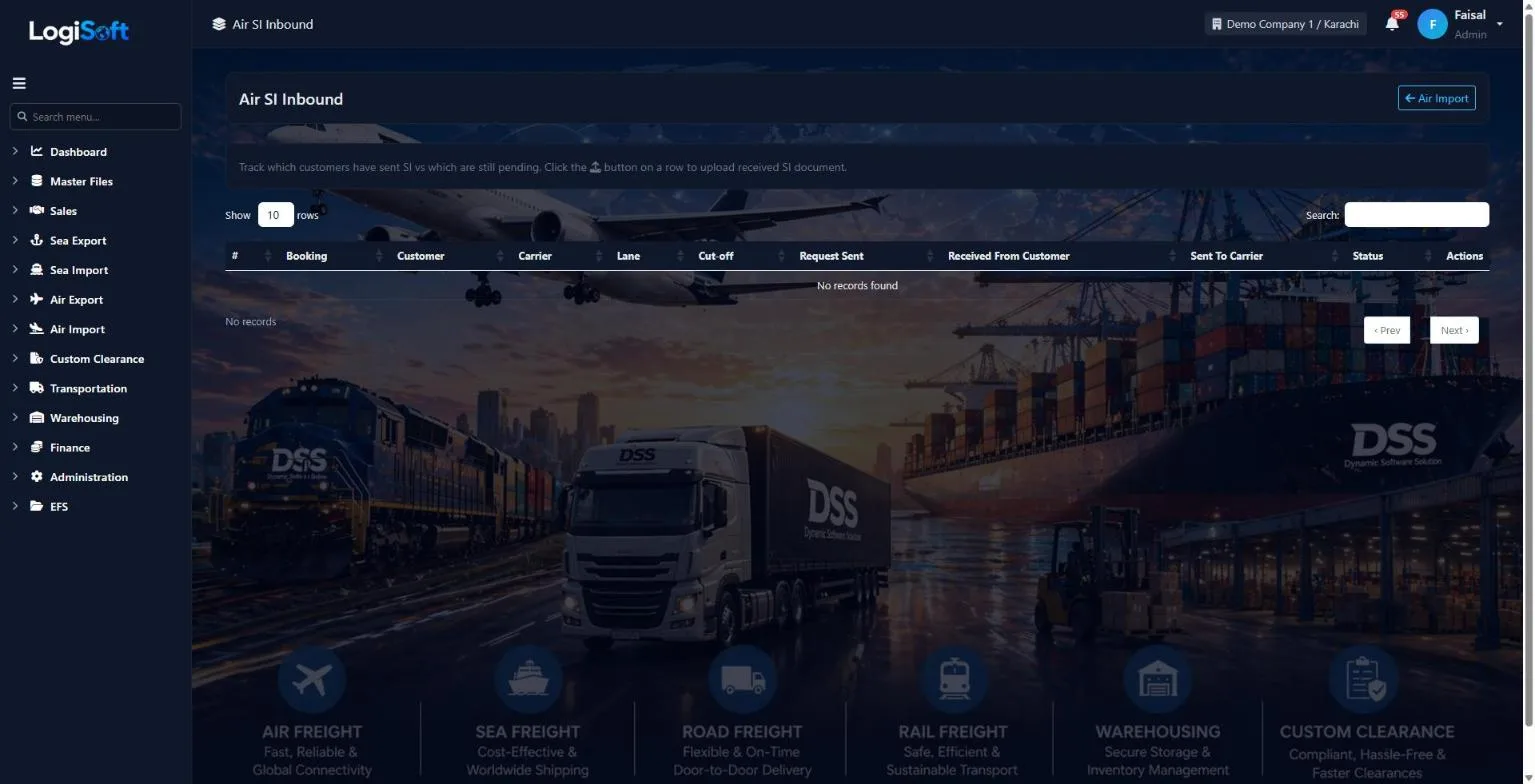
Air SI Receive
Part of the Air Import module.
-
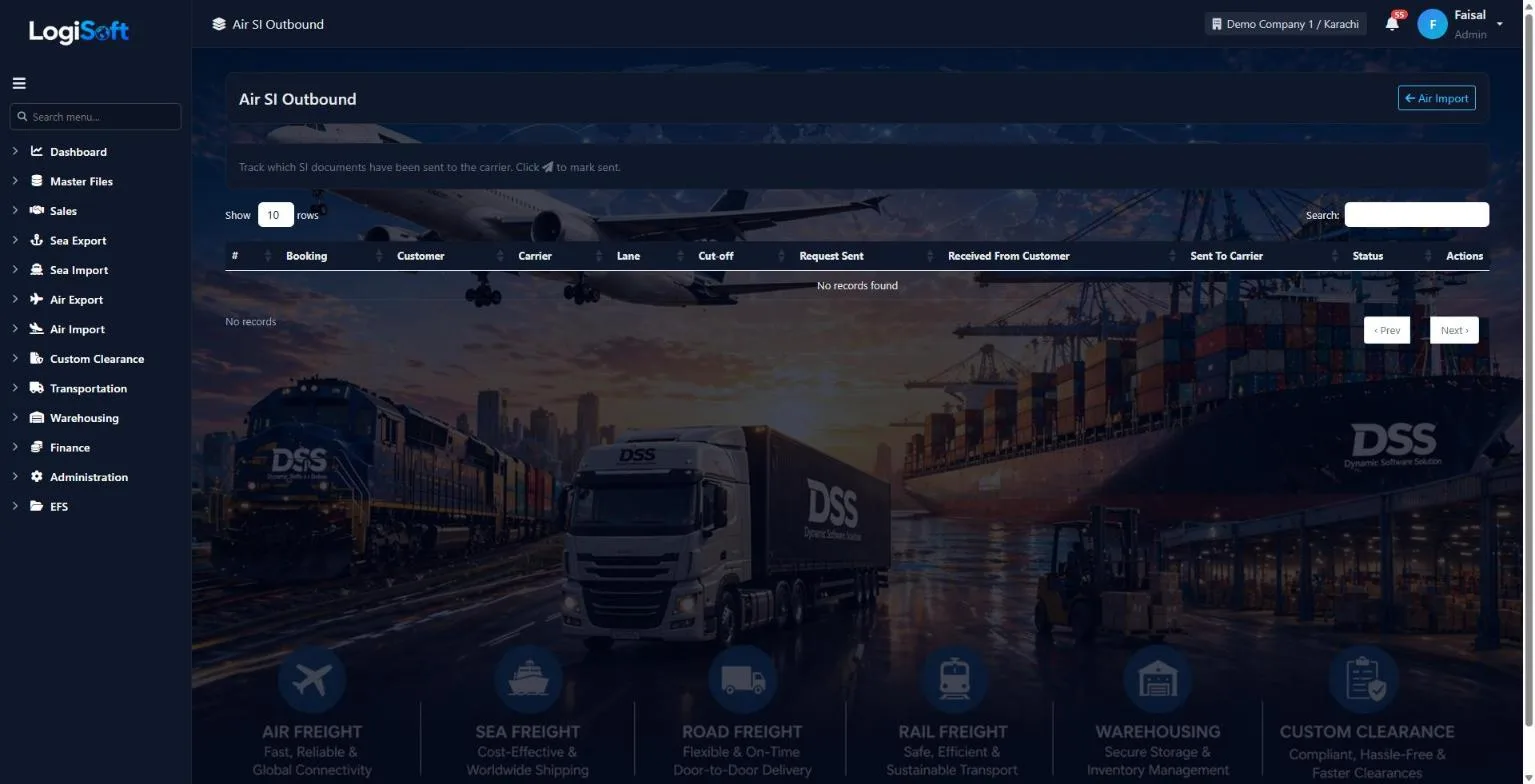
Air SI Send to Carrier
Part of the Air Import module.
Tracking
-
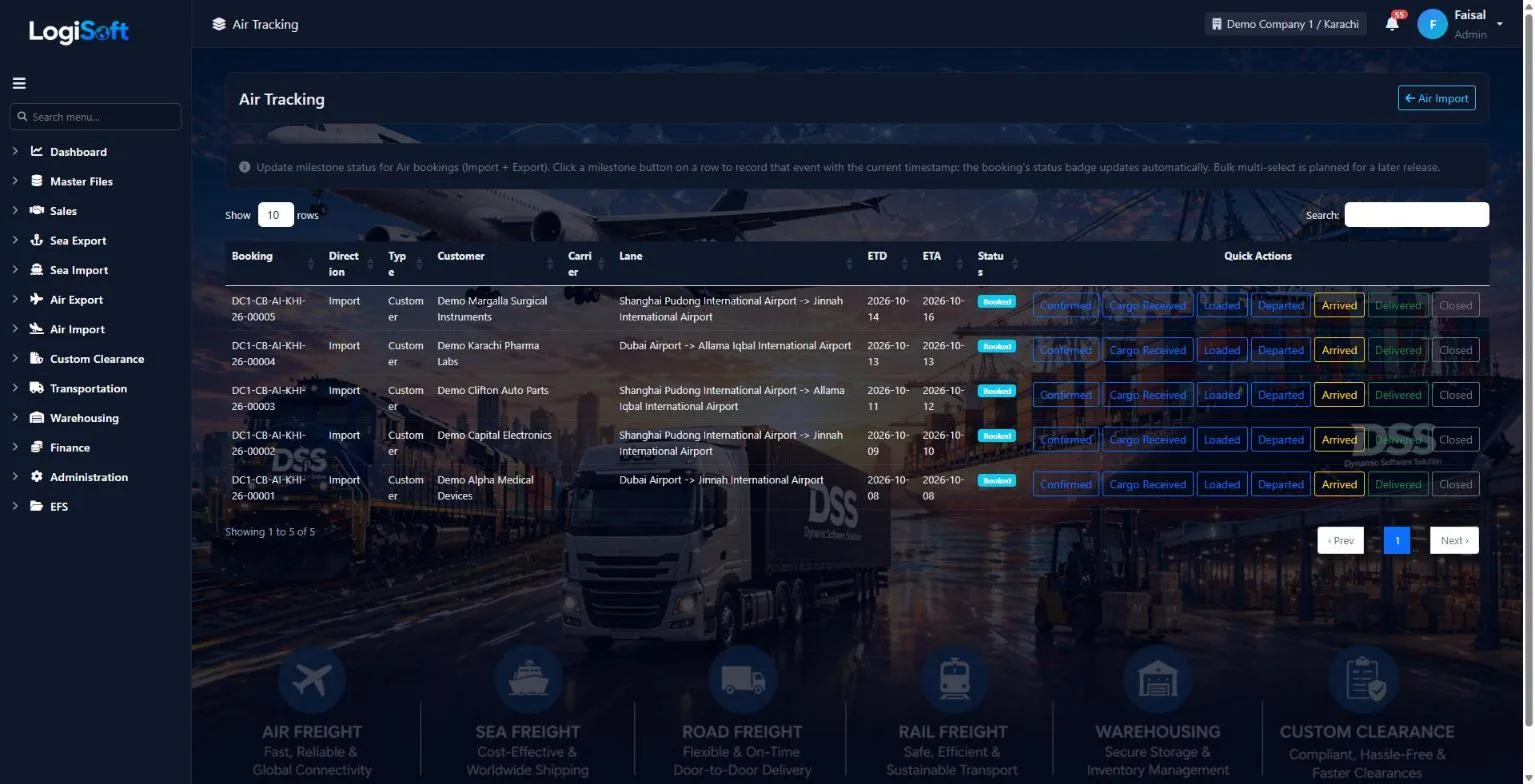
Air Tracking
Part of the Air Import module.
Settings
-
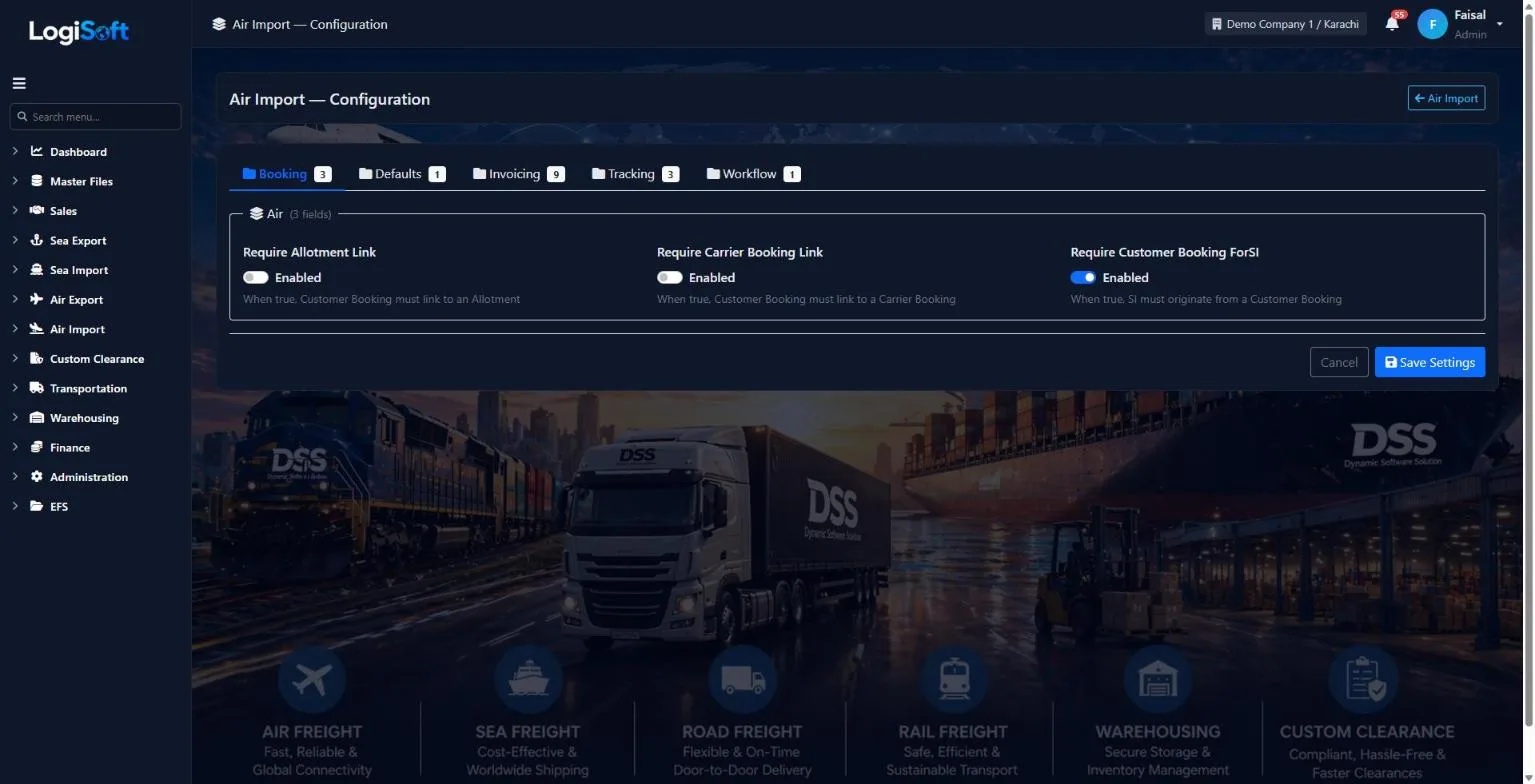
Configuration
?LogiSoft help
Air Import — Configuration
Module-specific settings for Air Import.
Settings that apply across the entire Air Import module. Each setting is grouped under a Category tab — pick the tab, change the value, click Save Settings.
Common tasks
- Browse the tabs to see what's configurable
- Change a setting and Save
The same help appears on this screen inside LogiSoft.
Module-specific settings for Air Import.
Invoicing
-
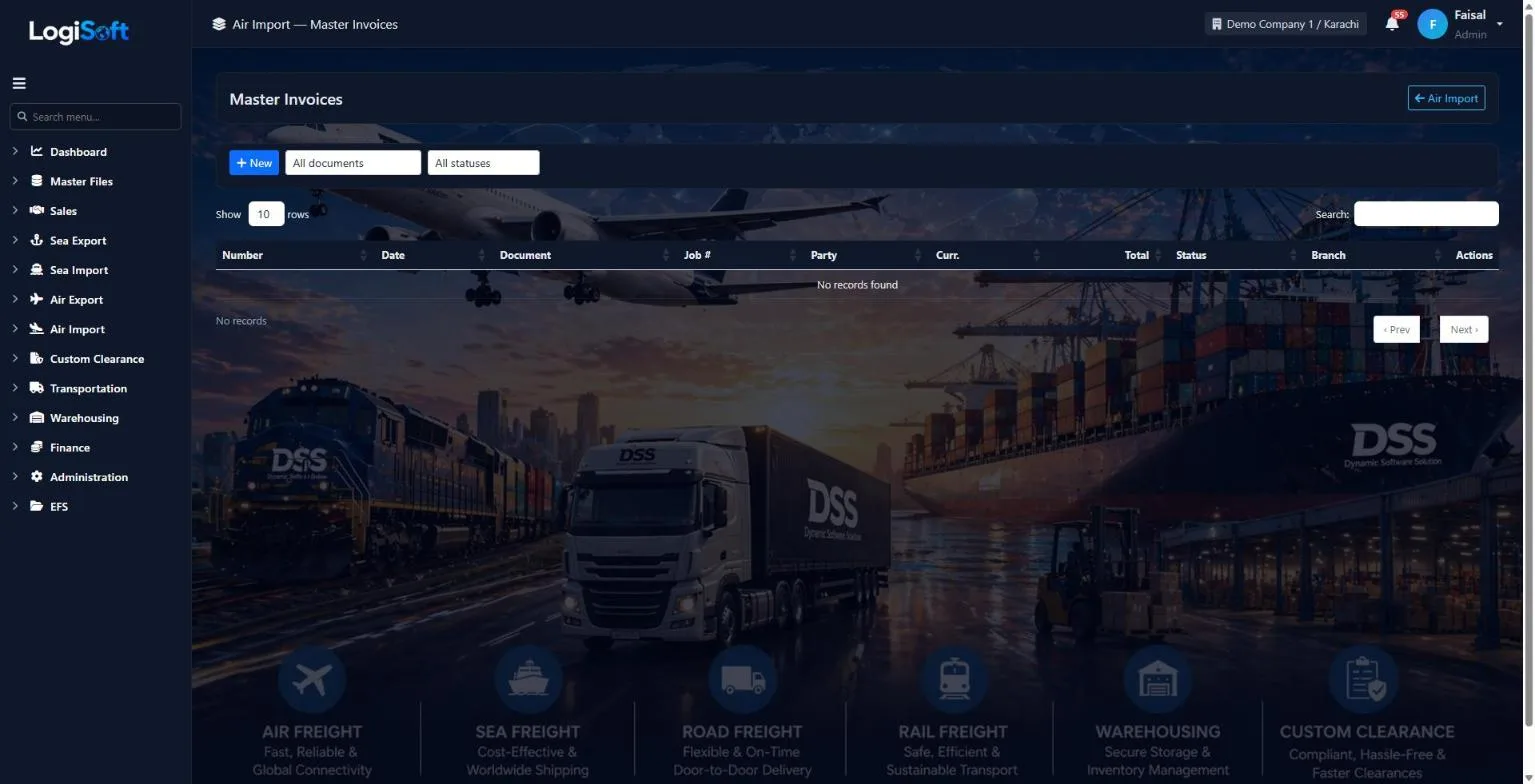
Air Import - Master Invoices
Part of the Air Import module.
-
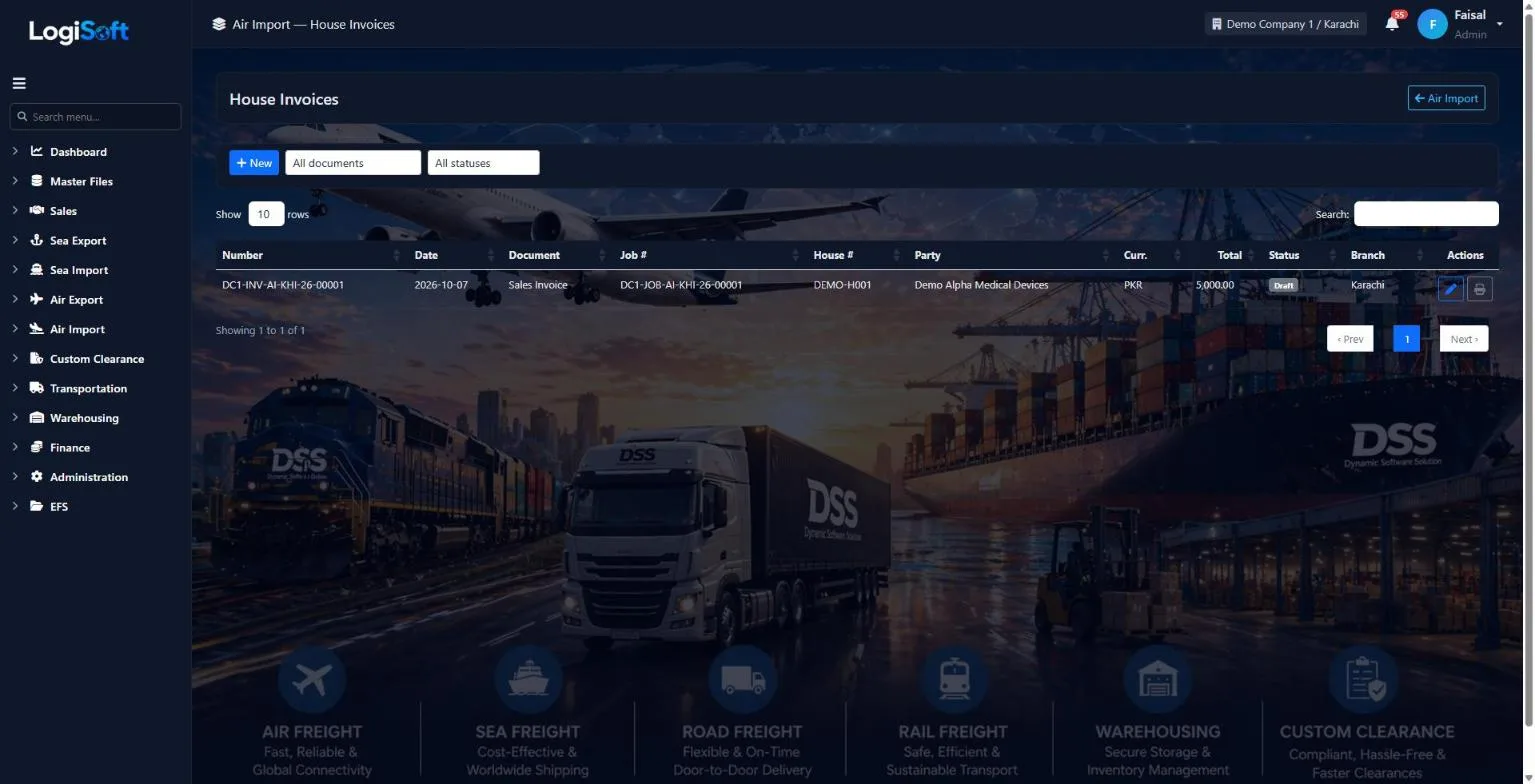
Air Import - House Invoices
Part of the Air Import module.
What's included
Everything in the Air Import module.
Bookings
- Customer bookings with flight legs
- Shipping instructions request, receive and send
- Tracking milestones
Jobs
- One job per MAWB
- HAWB per consignee
- Flights, ETA, arrival and IGM
- Close or void a job
Documents
- Arrival notice
- Delivery order with bank endorsement
- Gate pass and airline letter
- Cargo manifest / IGM and cargo book
Invoicing & reports
- House and master invoices
- Tonnage and statistics with charts
- Profit & loss per job
- Print, PDF, Word, Excel or e-mail
Why is there no carrier booking in Air Import?
On an import the origin agent books the airline. You start from your customer's booking and the job for the MAWB.
How is the delivery order number made?
From the job number plus a letter per HAWB (A, B, C ...), created when the house is saved. Issue D/O records who issued it and when.
Can we send arrival notices to many consignees at once?
Yes. Tick the houses in Shipment Handling and print or e-mail the arrival notices, one merged file or one per house.
Works together with
See all features →Air Export
Book the space, build the shipment once with its MAWB and every HAWB, keep track of each air waybill number you hold, then invoice and send the pre-alert to the destination agent.
Explore Air ExportSea Import
Book space against your carrier contracts, sell it to customers, collect shipping instructions, open the Master and House B/Ls, track every milestone and invoice the job, all in one flow.
Explore Sea ImportWarehousing
Receive, store and deliver goods for your customers, with stock tracked by warehouse, owner, product, batch and location.
Explore WarehousingReady to retire your desktop freight tools?
See LogiSoft on your own workflow in a 30-minute screen share with the founder. No commitment.