A1Item Master
Where
Supply Chain & Inventory › Item Master.
Why
One screen for the whole item file, like the Chart of Accounts: groups and items in one tree, totals at any level in every report.
How
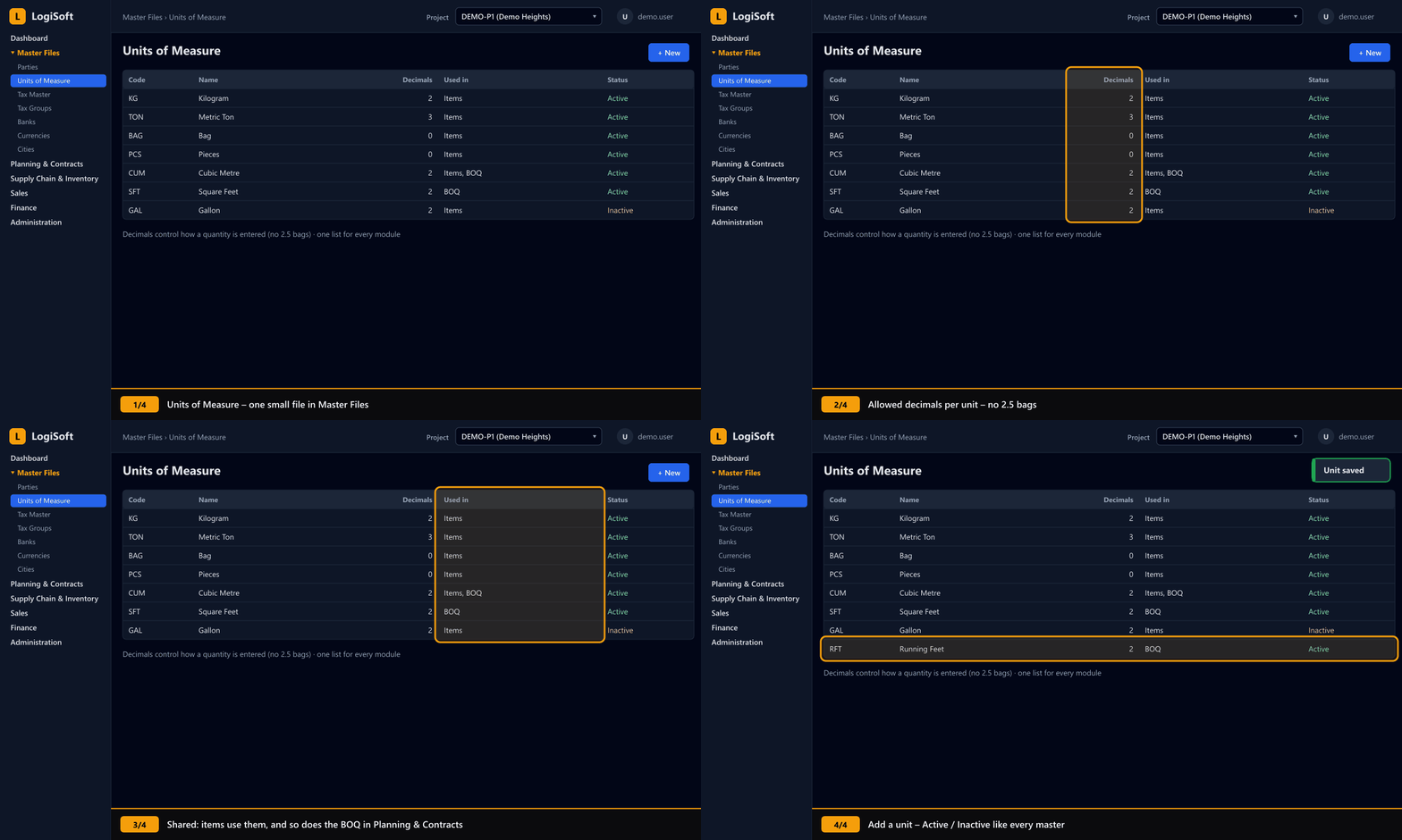
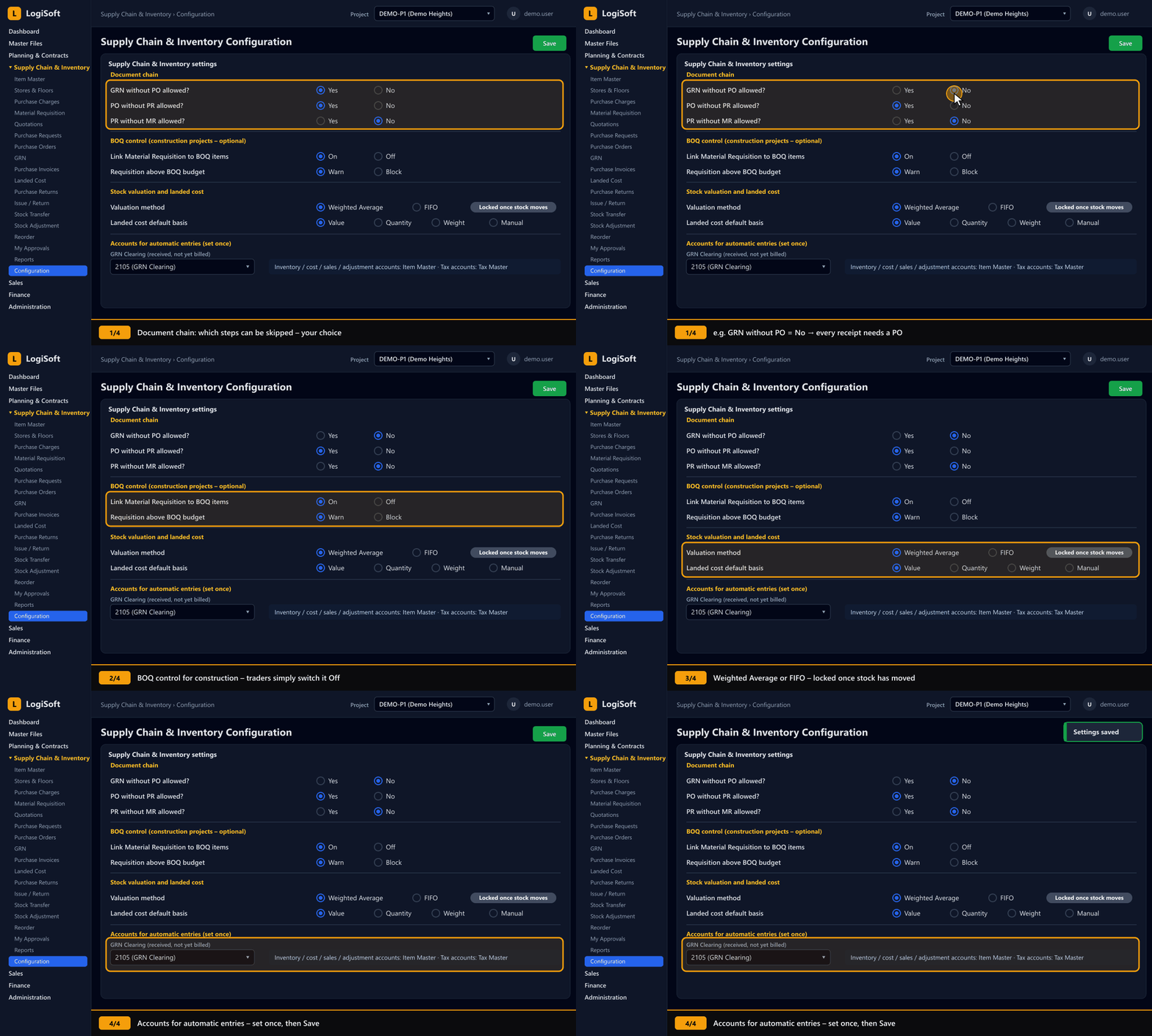
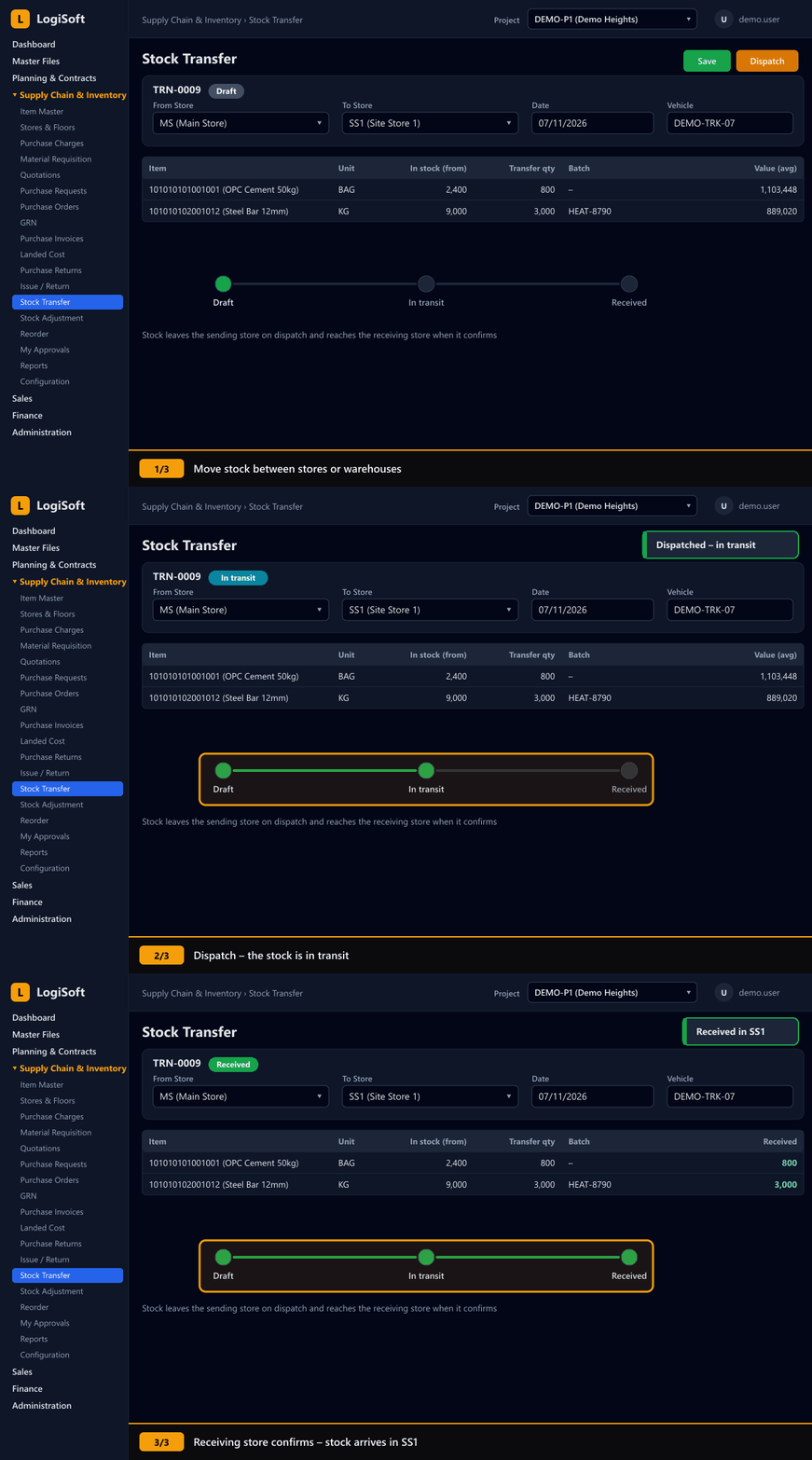
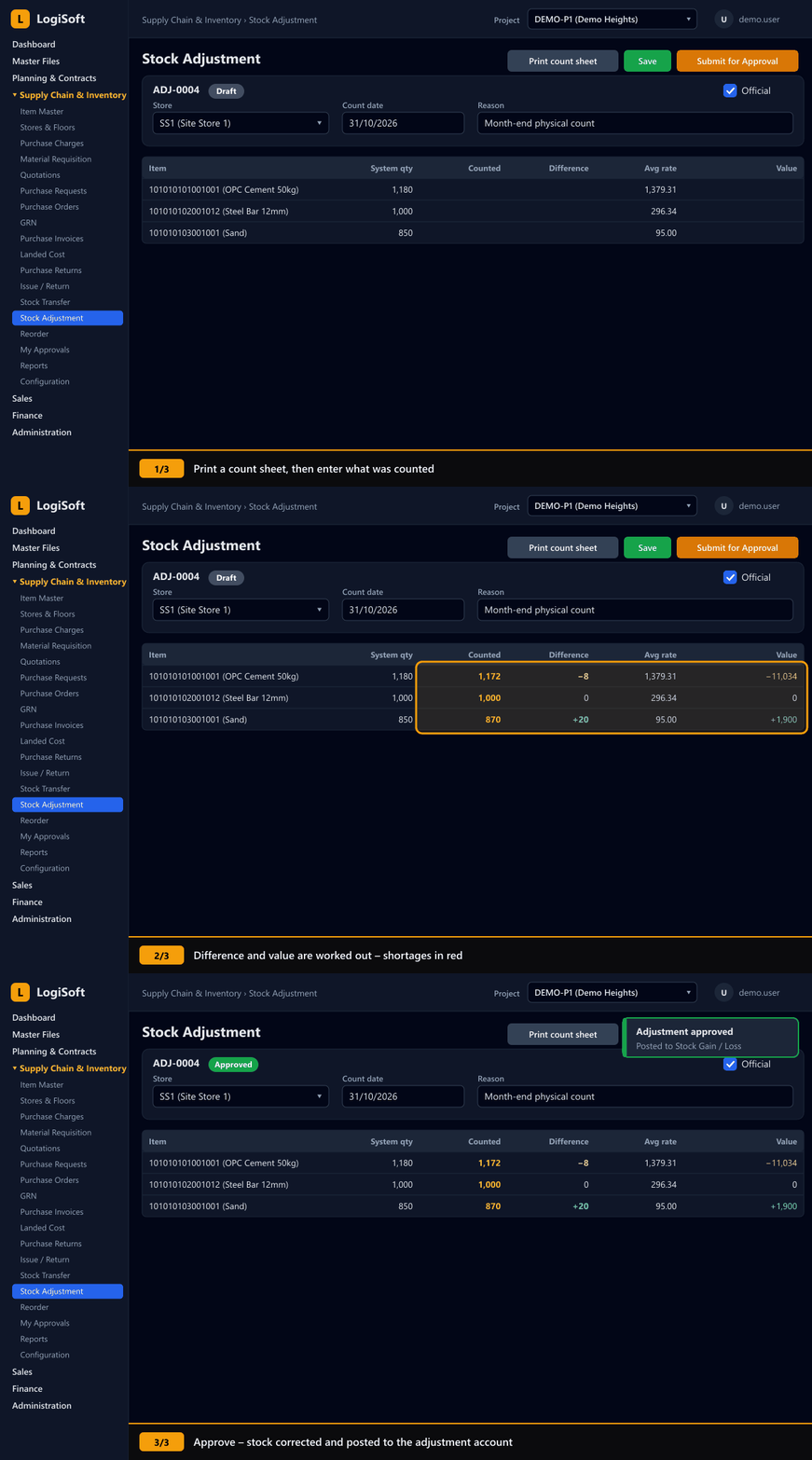
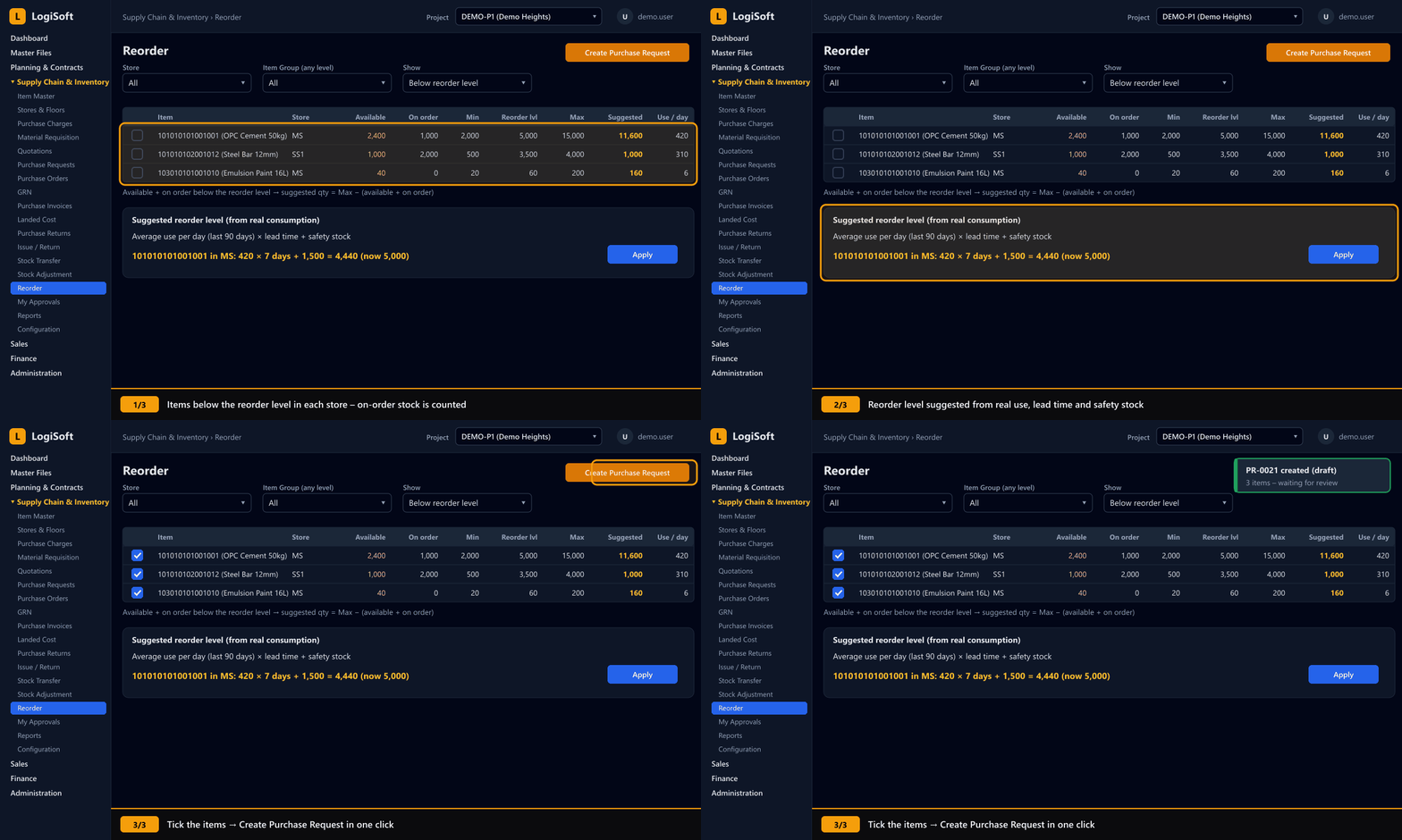
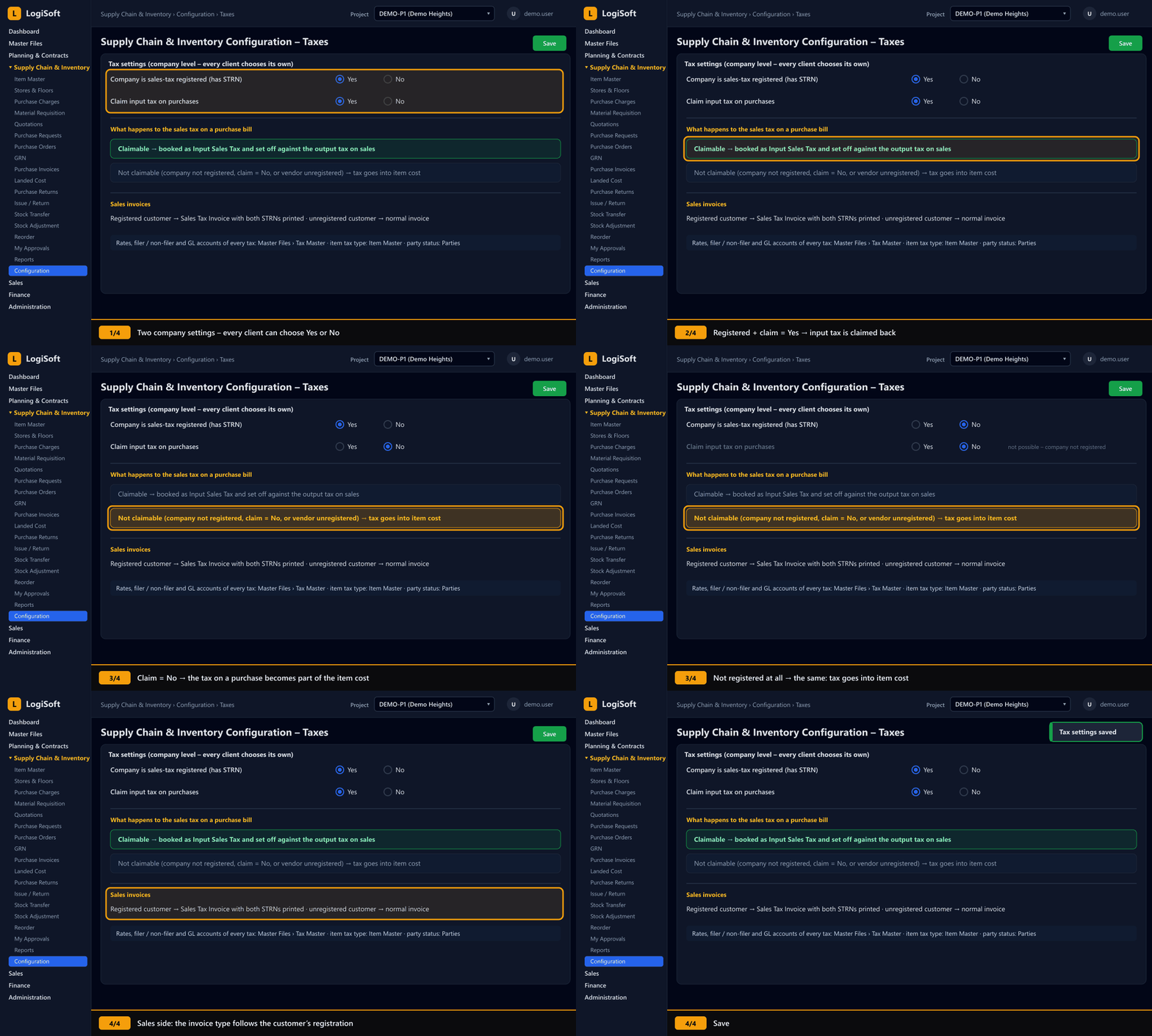
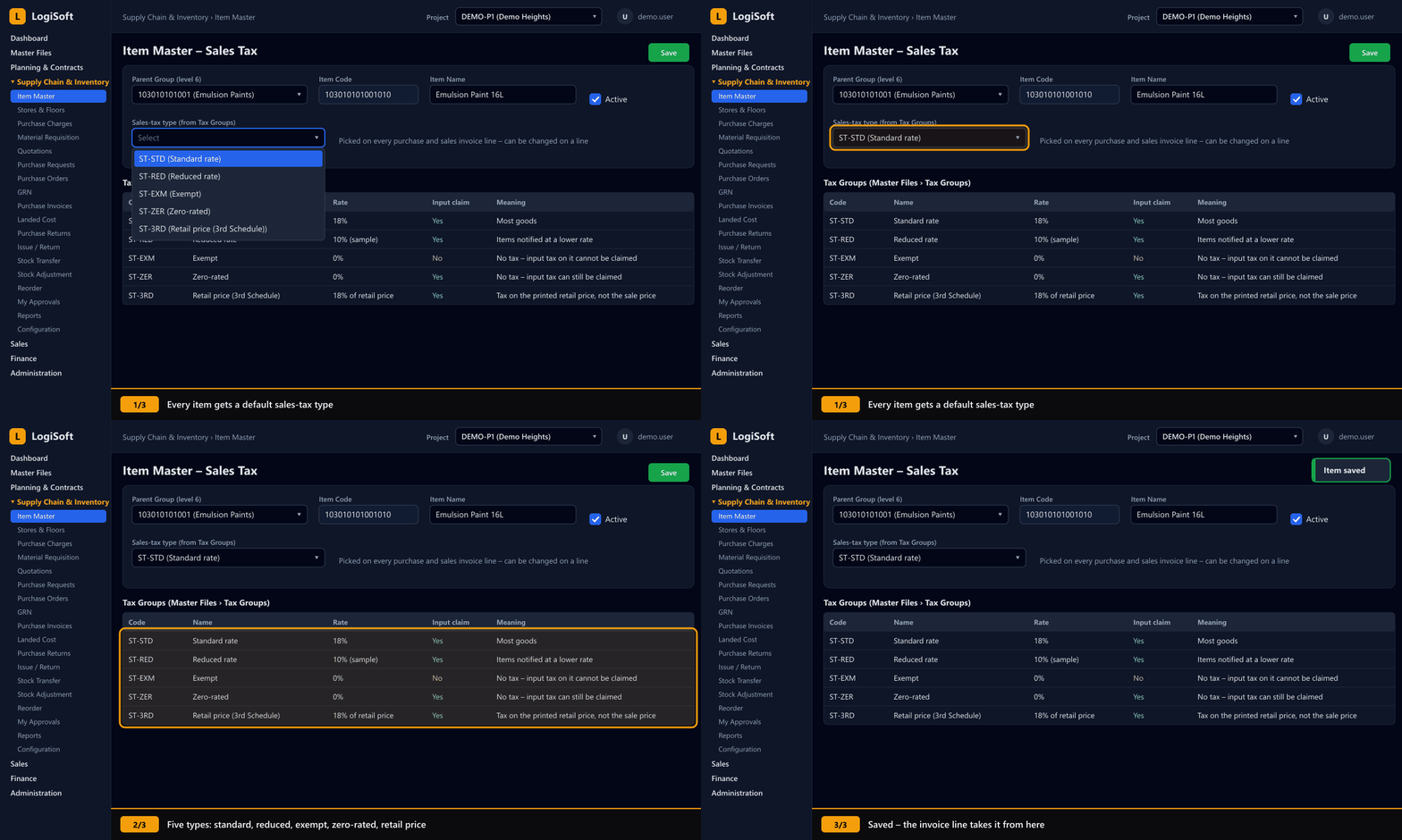
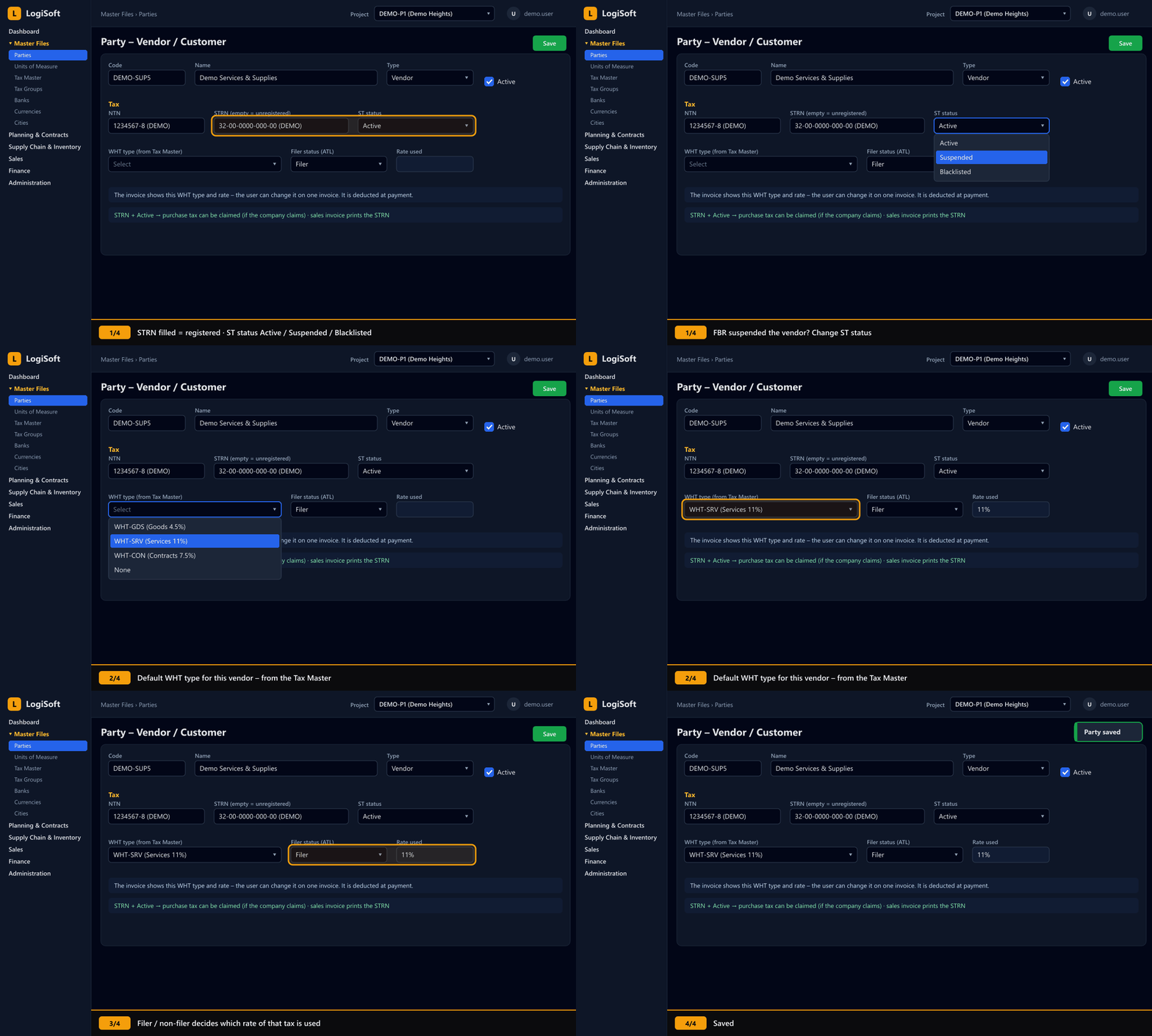
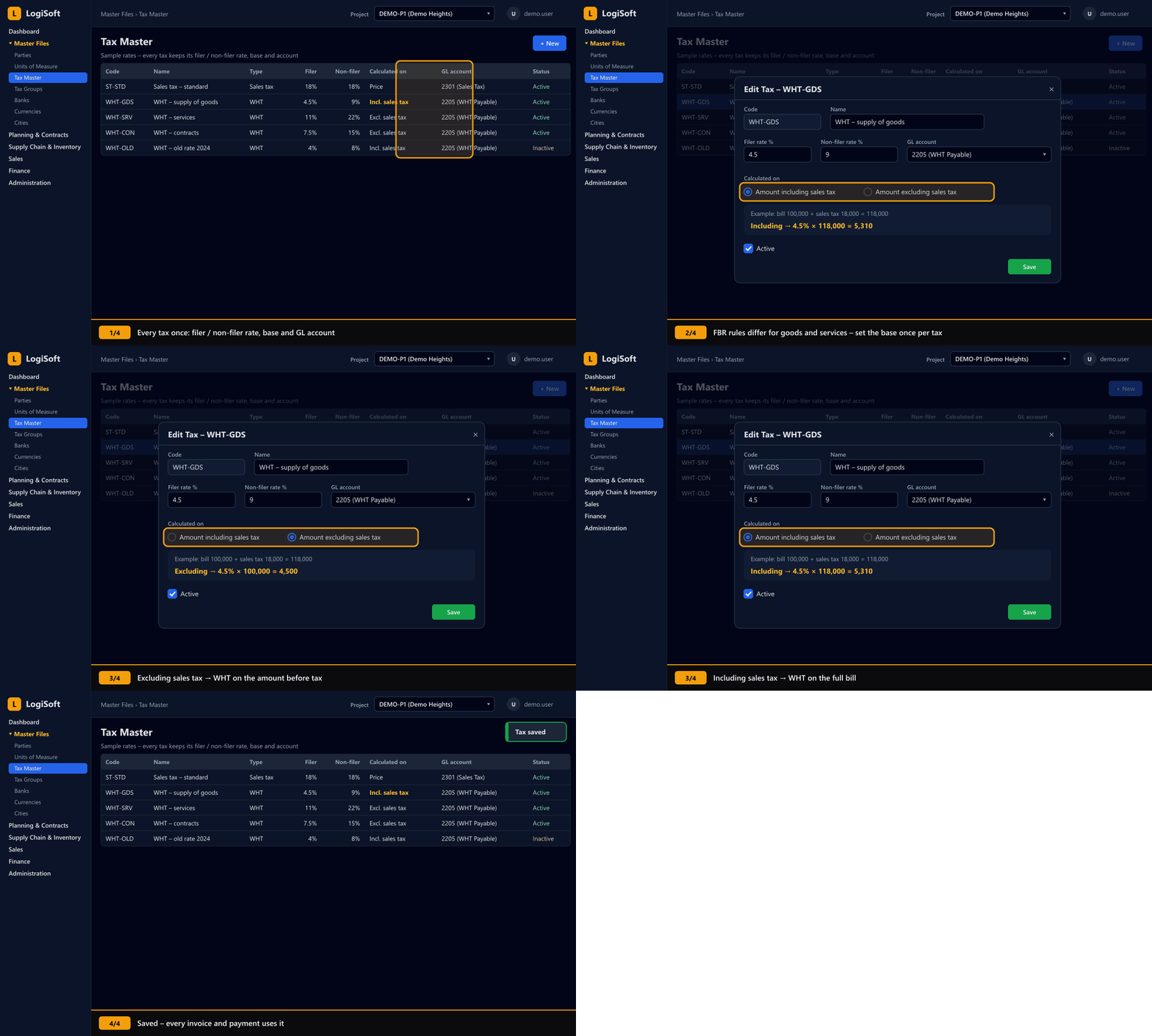
Item tree on the left (up to 7 levels / 15 digits, level lengths set once in Configuration, e.g. 1-2-2-2-2-3-3; groups on levels 1–6, items on the last level), details on the right. Click a group to see its accounts; + New Item under the selected group – the 15-digit item code is made automatically; name, Active / Inactive. Base (stock) unit plus purchase and issue units with a factor (buy in TON, keep KG, issue PCS). Batch-wise tick for items that need a batch / heat number. Min, reorder level, max, reorder qty, lead time and safety stock per store. Accounts (inventory, consumption / cost of sales, sales, stock adjustment) are inherited from the item group and can be changed on one item. Opening Stock tab: quantity and rate per store (and per batch) as of go-live – on save Dr Inventory / Cr Opening Balance; it locks after the first stock movement.
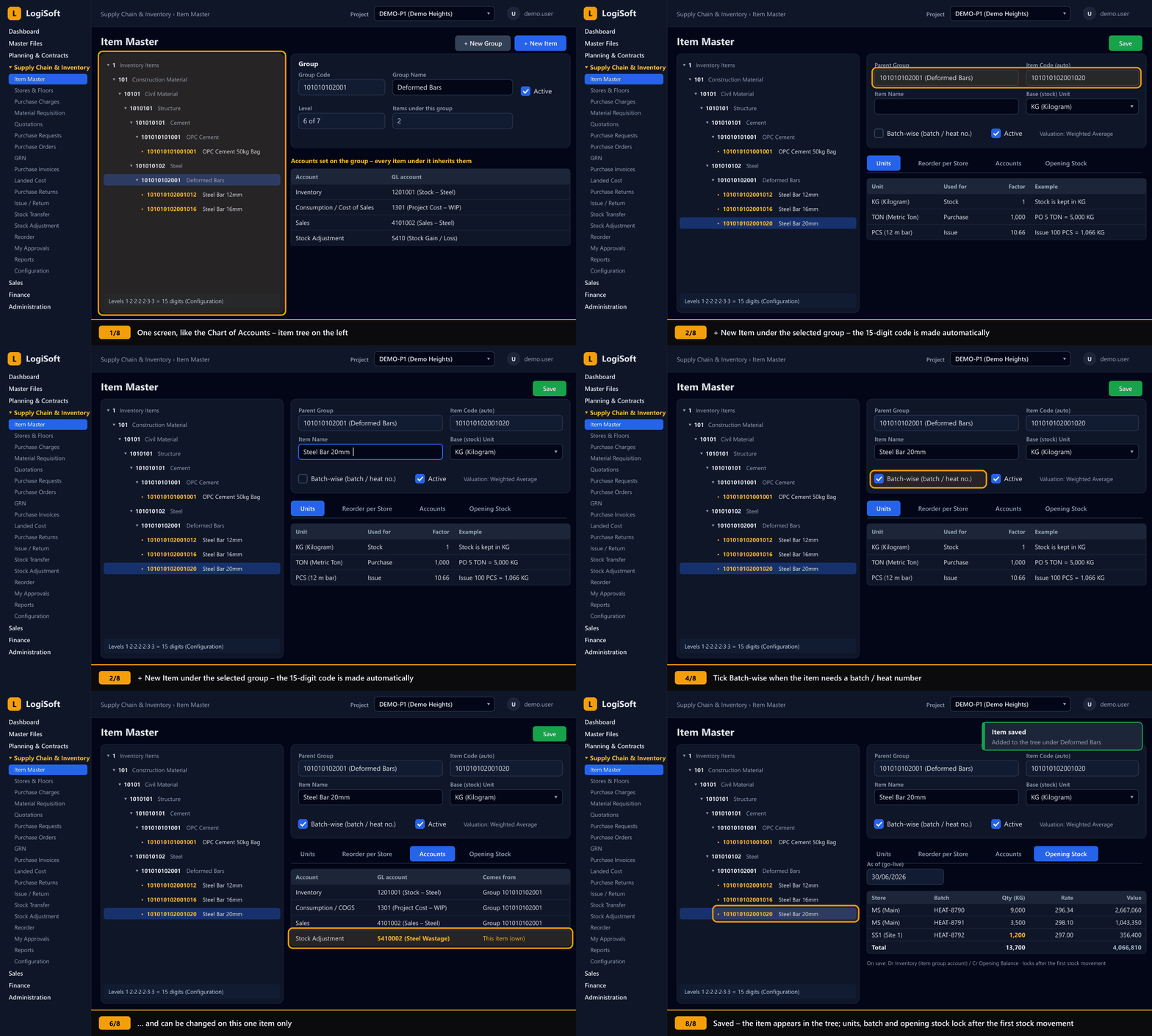
Units and the Batch-wise tick lock after the first stock movement of the item, so a wrong setting is caught on day one.